Off-Campus Access

Accessing Library Resources from Off Campus

Databases, ebooks, journals, and other resources are available to students and faculty both on and off campus. When you’re off campus, you just need to sign in using your Union College credentials, so that publishers know you’re part of Union College.

The easiest way is to start at the Library's website (or Primo). After you search, you’ll be asked for your Union username and password to get full access. You can also use the "sign in" button at the top of the screen to access your library account.
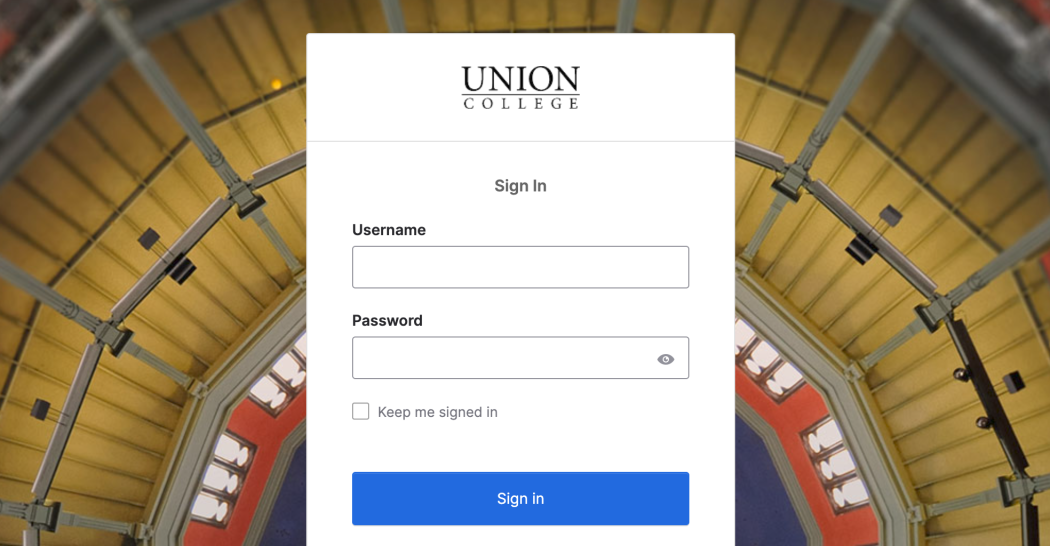

Single Sign-On

The single sign-on interface when you are asked to enter your Union College credentials.


What If I start with Google Scholar?

Please note, it's always best to start a search with Schaffer Library's Primo.

However, if you do start with Google, remember that it will bring you straight to the publisher's site. You will most likely hit paywalls, so then you'll have to log into your institution's site to bypass them.

  1. Go to Google Scholar: https://scholar.google.com/
  2. Click the menu (three horizontal lines) on the left.
  3. Click “Settings”
  4. Click “Library Links”
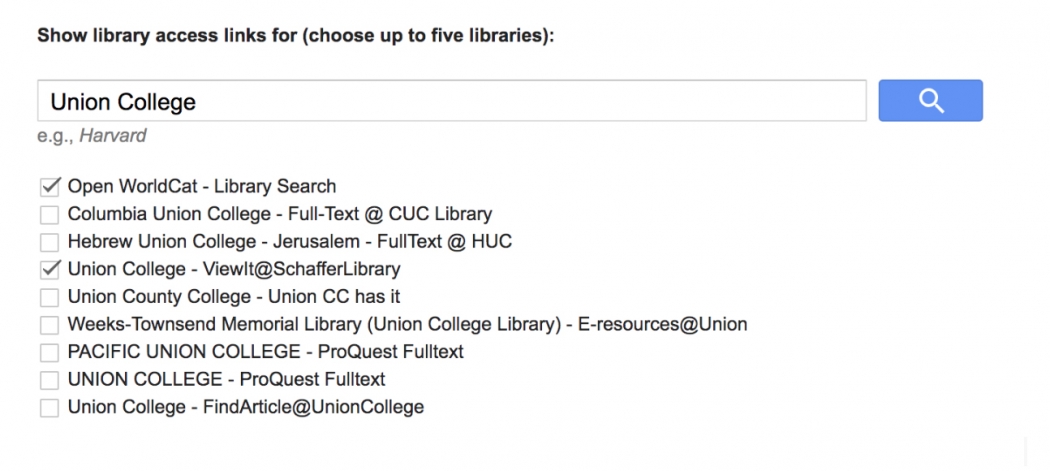
  5. Search Union College in the search box.
  6. Choose the “Union College - ViewIt@SchafferLibrary”
  7. Click "Save".

Now when you search, you’ll see results with “ViewIt@SchafferLibrary” and can go directly to our resources from Google Scholar by clicking on that link.


Already on a publisher's site?

Some (but not all) publisher websites also let you choose “Log in with your institution” and select Union College. To do this:

Click “Log in with your institution”

Choose Union College

Sign in

If you still see a paywall, don’t pay—go back and access the resource through the Library's website instead, or reach out to us.

A Note about Paywalls and VPNs

If you go straight to a publisher’s site without signing in, you may see a paywall—even if the Library subscribes to that content. Using a campus VPN may work for some sites, but it doesn’t work for all library resources.

If you hit a paywall, chose one of these options:

Go back and access the resource through the Library's website.

Look for a “Log in with institution” option on the publisher’s site.


Need Help?

If access doesn’t work as expected, the Library can help. Contact us and let us know which resource you’re trying to use.

Get help when access doesn't work

Schaffer Library

Schaffer Library

807 Union St
Schenectady, NY 12308

View in Google Maps

Today's hours:

Trouble finding something?

Browse our A-Z topic list!